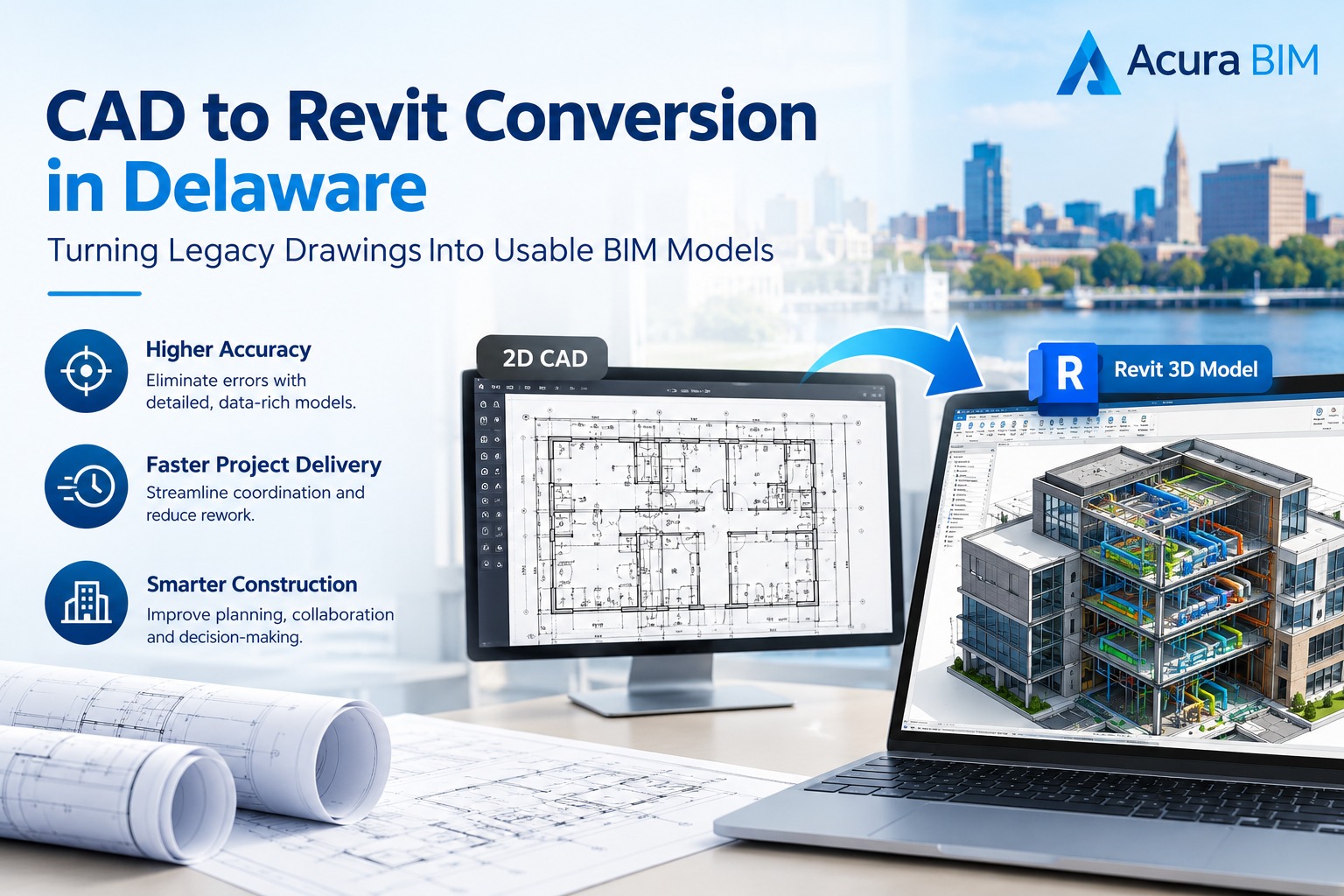
The architecture, engineering, and construction (AEC) landscape across the First State is undergoing a rapid digital transformation, making CAD to Revit conversion in Delaware an absolute necessity for modern project success. For decades, traditional two-dimensional Computer-Aided Design (CAD) files, paper blueprints, and PDF drawings served as the standard medium for building design and documentation. However, as modern construction demands tighter schedules, superior multi-discipline coordination, and advanced clash detection, relying solely on flat lines is no longer viable. Shifting from legacy systems to intelligent, data-rich three-dimensional platforms allows general contractors, developers, and architects to mitigate risks, optimize material usage, and visualize complex assemblies long before breaking ground. Professional drafting partners like Acura BIM empower regional teams by turning static layouts into dynamic, parametric digital assets.
Why Delaware AEC Professionals Are Transitioning from CAD to BIM
The push toward smart construction infrastructure across Wilmington, Dover, Newark, and surrounding regions has highlighted the severe limitations of legacy documentation. Traditional 2D drawings lack the spatial intelligence, material metadata, and interconnected intelligence found in modern building information modeling workflows. When a single dimension changes in a traditional CAD workflow, drafting teams must manually hunt down and update every associated elevation, section, and floor plan, opening the door to costly human errors and miscommunication on the job site.
By leveraging expert BIM modeling services, stakeholders transition from disconnected files to a synchronized single source of truth. A fully realized Revit model stores critical data regarding thermal performance, manufacturer specifications, structural load paths, and cost estimations within each parametric element. This level of depth not only streamlines local permitting and code compliance across Delaware municipalities but also establishes a reliable digital foundation for future facility management and maintenance operations.
Understanding the CAD to Revit Conversion Process
Converting flat files into intelligent 3D models is much more than a simple file format translation; it requires a meticulous engineering approach. Automated software scripts often produce unorganized, non-parametric geometry that lacks structural logic. True conversion requires trained professionals to interpret design intent, establish proper project levels, and build custom family components that reflect real-world manufacturing standards.
1. Input Data Audit and Cleanup
Before any geometry is imported into Autodesk Revit, specialists perform a comprehensive audit of incoming legacy files. This step involves purging unused blocks, fixing broken external references (XREFs), standardizing layer conventions, and verifying scale variations against known site measurements. A clean foundation guarantees that subsequent modeling phases remain dimensionally accurate and reliable.
2. Setting Coordinates and Project Levels
Establishing accurate project parameters is critical for multi-phase developments. Engineers configure shared coordinates, project base points, and specific level heights mapped directly to regional survey data. This ensures that architectural, structural, and MEP (Mechanical, Electrical, and Plumbing) components align seamlessly without spatial drift.
3. Parametric Element Creation
Once the project environment is structured, 2D lines and raster PDFs are transformed into intelligent 3D building elements. Walls, curtain systems, structural framing, foundations, and duct networks are modeled to the precise Level of Detail (LOD) requested by the project team—ranging from basic conceptual massing (LOD 100) down to fully fabrication-ready components (LOD 400).
For further insights into how structured documentation supports modern engineering frameworks, explore industry resources like The American Institute of Architects (AIA) and BuildingSMART International for global standards on digital project delivery.
Key Benefits of Upgrading Legacy Drawings to Revit
Investing in comprehensive conversion workflows delivers measurable advantages across every phase of a building’s lifecycle. AEC firms that adopt these digital strategies consistently report shorter project cycles and reduced overhead.
- Elimination of On-Site Clashes: Coordinated multi-discipline models allow engineers to identify and resolve spatial conflicts between ductwork and structural beams in a virtual environment before construction begins.
- Enhanced Visual Clarity and Stakeholder Trust: 3D models and virtual walkthroughs provide owners and non-technical stakeholders with a crystal-clear understanding of the final design intent.
- Streamlined Construction Documentation: Accurate schedules, material takeoffs, and permit-ready sheet sets are generated directly from the model database, minimizing manual drafting bottlenecks.
- Data-Driven Cost Estimation and Scheduling: Integrating 4D sequencing and 5D cost parameters enables precise resource allocation and tighter budget control.
Overcoming Challenges in Historic and Commercial Retrofits
Delaware features a rich architectural landscape combining historic preservation structures with modern commercial developments. Retrofitting older buildings often presents unique challenges, including warped physical blueprints, missing structural records, and non-standard field dimensions.
To address these hurdles, conversion specialists utilize hybrid workflows that combine legacy PDF extraction with advanced Scan to BIM conversion techniques. By processing point-cloud data captured via 3D laser scanners, engineers can map out existing structural irregularities with millimeter-level precision. This ensures that renovation teams avoid costly field adjustments and can safely integrate modern MEP systems into older structural frameworks.
Streamlining Your Next Project with Expert BIM Partners
Navigating tight construction timelines while managing resource-heavy software transitions can strain internal team bandwidths. Partnering with a dedicated offshore or hybrid BIM provider offers local firms scalable access to elite technical expertise without the heavy overhead of expanding in-house software and hardware infrastructure.
Whether your project requires converting a bundle of legacy AutoCAD (.DWG) schematics into a fully coordinated, data-rich Revit model or preparing detailed shop drawings for fabrication, expert support ensures high-end quality control at every stage. To explore customized options tailored to your upcoming project scope, visit Acura BIM Services.
Elevate Your Construction Workflow Today
Are outdated 2D drawings and fragmented PDF files slowing down your design coordination and stalling project approvals? Transform your legacy archives into intelligent, constructible assets with industry-leading precision. Contact Acura BIM today to request a custom consultation and project quote, and discover how seamless digital conversion can accelerate your next build.
Frequently Asked Questions
What file formats can be converted into Revit models?
We accept a wide variety of legacy input formats, including AutoCAD 2D files (.DWG, .DXF), raster and vector PDFs, hand-drawn paper blueprints, scanned TIFF images, and point-cloud 3D laser scan data.
How is the Level of Detail (LOD) determined for a project?
The Level of Detail is dictated by your specific project phase and ultimate end goals. It ranges from schematic design elements (LOD 100) and design development (LOD 200/300) up to fabrication-ready components (LOD 400) and as-built facility management data (LOD 500).
Why is outsourcing CAD to Revit conversion beneficial?
Outsourcing allows your in-house architects and engineers to focus on core design tasks rather than tedious manual drafting cleanup. It provides immediate access to specialized BIM software, dedicated quality assurance protocols, and scalable resources without heavy capital expenditure.